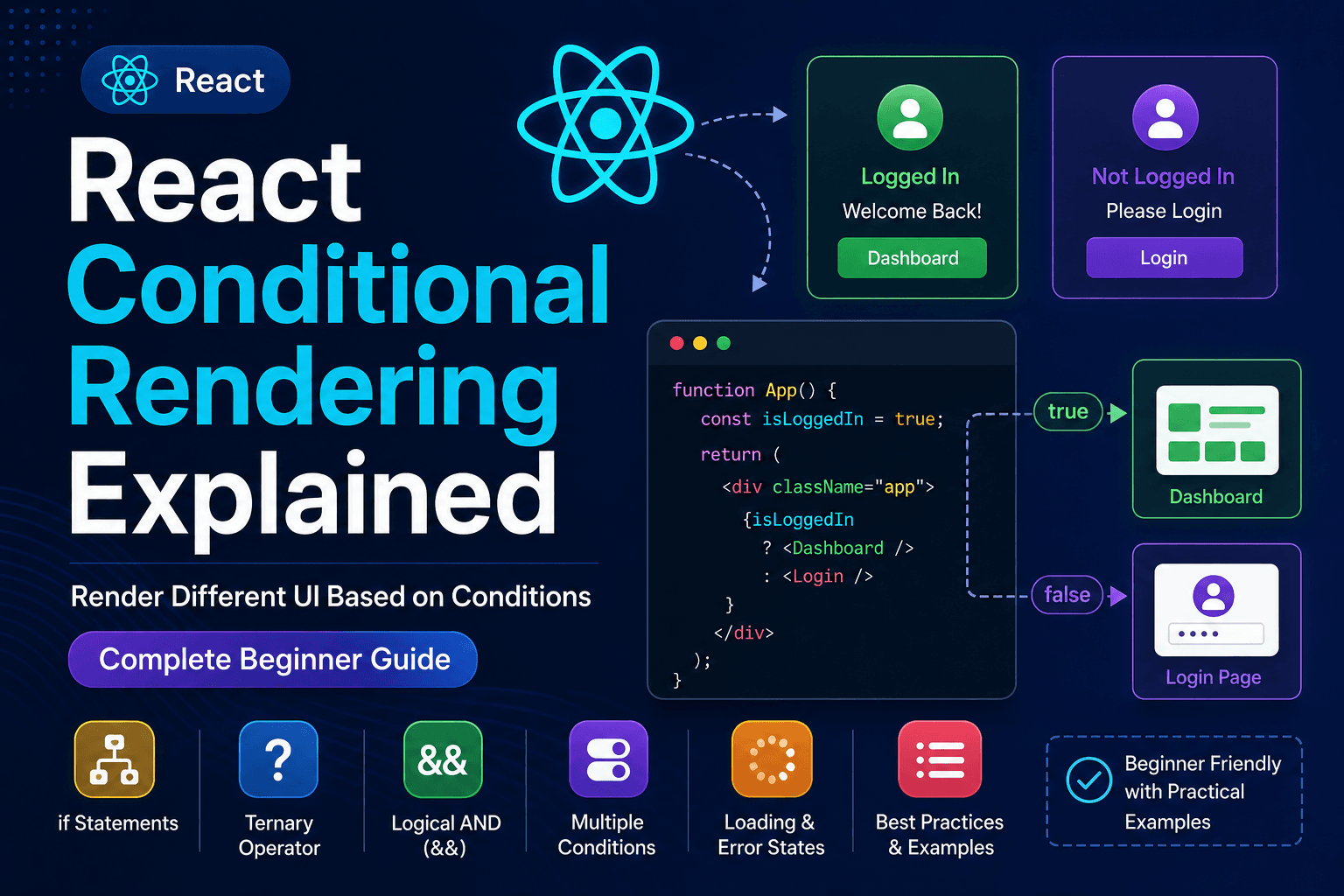
React Conditional Rendering Explained – Complete Beginner Guide
When building modern web applications, the content shown to users changes constantly.
Think about websites like:
- Amazon
- Netflix
- Gmail
These websites don't always display the same information. Instead, they show different content based on various conditions.
For example:
- If the user is logged in, show the Dashboard.
- If the user is not logged in, show the Login page.
- If the shopping cart is empty, display an empty cart message.
- If products are available, display the product list.
- If data is loading, show a loading spinner.
- If no search results are found, display "No Results Found."
Displaying different UI based on different conditions is known as Conditional Rendering.
React makes conditional rendering simple and powerful.
In this guide, you'll learn everything about conditional rendering with practical examples.
What You'll Learn
After completing this tutorial, you'll understand:
- What Conditional Rendering is
- Why it is important
- Different ways to render components conditionally
- Using if statements
- Using ternary operators
- Using Logical AND (&&)
- Using multiple conditions
- Rendering based on user roles
- Showing loading indicators
- Showing empty states
- Best practices
- Common mistakes
- Interview questions
Prerequisites
Before reading this article, you should know:
- React Components
- Props
- State using useState()
- Event Handling
If not, complete the previous lessons first.
What is Conditional Rendering?
Conditional Rendering means displaying different UI depending on a condition.
Just like JavaScript uses conditions,
javascriptif(age >= 18){ console.log("Adult"); }else{ console.log("Minor"); }
React uses the same concept to display different HTML.
Instead of printing text,
React decides which component should appear on the screen.
Why Do We Need Conditional Rendering?
Imagine an ecommerce website.
If products exist
Show
Products
Otherwise
Show
No Products Available
Without conditional rendering, users would always see the same page, making applications unusable.
Real Life Examples
Conditional Rendering is used everywhere.
Examples include:
- Login Authentication
- Shopping Cart
- Wishlist
- Order Status
- Payment Success
- Payment Failure
- Notifications
- Search Results
- Loading Screens
- User Profile
- Admin Dashboard
Almost every React application uses conditional rendering.
Method 1 — Using if Statement
The simplest method is using an if statement.
jsxfunction Welcome() { const isLoggedIn = true; if (isLoggedIn) { return <h2>Welcome Back!</h2>; } return <h2>Please Login</h2>; }
Output
Welcome Back!
If
jsxconst isLoggedIn = false;
Output
Please Login
How it Works
React evaluates the condition.
If true
Return
jsx<h2>Welcome Back!</h2>
Otherwise
Return
jsx<h2>Please Login</h2>
Simple.
Method 2 — Using Ternary Operator
The ternary operator is the most commonly used approach.
Syntax
jsxcondition ? True : False
Example
jsxfunction App() { const isLoggedIn = false; return ( <div> { isLoggedIn ? <h2>Dashboard</h2> : <h2>Login</h2> } </div> ); }
Output
Login
Why Developers Prefer Ternary
Instead of writing
javascriptif else
You can write
jsxcondition ? value1 : value2
Cleaner
Smaller
Easy to read
Method 3 — Using Logical AND (&&)
Sometimes we only want to display something when a condition is true.
Example
jsxfunction App() { const isAdmin = true; return ( <div> <h1>Dashboard</h1> {isAdmin && <button>Delete User</button>} </div> ); }
Output
Dashboard

Delete User
If
jsxconst isAdmin = false;
Output
Dashboard
The button disappears.
When to Use &&
Perfect for
- Notifications
- Badges
- Buttons
- Error Messages
- Success Messages
- Premium Features
Example – Shopping Cart
jsxfunction Cart() { const cartItems = 3; return ( <div> <h2>Shopping Cart</h2> {cartItems > 0 && <p>You have {cartItems} items.</p> } </div> ); }
Output
Shopping Cart

You have 3 items.
Example – Empty Cart
jsxfunction Cart() { const cartItems = 0; return ( <div> { cartItems === 0 ? <h2>Your Cart is Empty</h2> : <h2>You have items</h2> } </div> ); }
Output
Your Cart is Empty
Multiple Conditions
Example
jsxfunction User() { const role = "admin"; return ( <div> { role === "admin" ? <AdminDashboard /> : role === "seller" ? <SellerDashboard /> : <CustomerDashboard /> } </div> ); }
React selects the correct dashboard based on the user's role.
Using Variables
Instead of writing large JSX blocks, store the result in a variable.
jsxfunction App(){ const isLoggedIn = true; let content; if(isLoggedIn){ content = <Dashboard />; }else{ content = <Login />; } return content; }
This improves readability for larger components.
Showing Loading State
Real applications fetch data from APIs.
Until the data arrives, show a loader.
jsxfunction App(){ const loading = true; return( <> { loading ? <h2>Loading...</h2> : <ProductList /> } </> ); }
Display Error Messages
jsxfunction App(){ const hasError = true; return( <> {hasError && <h2>Something went wrong.</h2> } </> ); }
Conditional Rendering with useState
jsximport { useState } from "react"; function App(){ const [show,setShow]=useState(false); return( <> <button onClick={()=>setShow(!show)}> Toggle </button> { show ? <p>Hello React!</p> : null } </> ); }
Every button click changes the UI.
Real World Example – Login System
jsxconst loggedIn=true; return( <> { loggedIn ?<Dashboard/> :<Login/> } </> );
Real World Example – Payment Status
jsxstatus==="success" ?<Success/> :<Failure/>
Real World Example – Product Availability
jsxstock>0 ?<button>Buy Now</button> :<button disabled>Out of Stock</button>
Best Practices
✔ Keep conditions simple
✔ Use ternary for small conditions
✔ Use if statements for larger logic
✔ Break large JSX into smaller components
✔ Give meaningful variable names
✔ Avoid deeply nested ternary operators
Common Mistakes
Using assignment instead of comparison
Wrong
javascriptif(user = true)
Correct
javascriptif(user === true)
Writing nested ternaries
Avoid
jsxa ? b : c ? d : e
This becomes difficult to read.
Returning multiple JSX elements
Wrong
jsxreturn <h1>Hello</h1> <h2>World</h2>
Correct
jsxreturn( <> <h1>Hello</h1> <h2>World</h2> </> )
Interview Questions
What is Conditional Rendering?
Conditional Rendering means displaying different UI based on conditions.
Which operator is commonly used?
The ternary operator.
What does && do?
It renders JSX only if the condition is true.
Which method is best?
There is no single best method.
- Small conditions → Ternary
- One-sided rendering → &&
- Large logic → if statements
Frequently Asked Questions
Can we use if inside JSX?
No.
Use it outside JSX or use a ternary operator.
Can we use switch?
Yes.
Many developers use switch statements before the return statement for complex conditions.
Can we return null?
Yes.
Returning null means React renders nothing.
Does Conditional Rendering improve performance?
Indirectly.
React renders only what is needed, which can reduce unnecessary UI updates when used appropriately.
Summary
In this tutorial, you learned:
- What Conditional Rendering is
- Why it is important
- if statements
- Ternary operators
- Logical AND (&&)
- Multiple conditions
- Loading UI
- Error messages
- Login systems
- Product availability
- Best practices
- Common mistakes
Conditional Rendering is one of the most important concepts in React because almost every application depends on it.
Mastering it will make building dynamic interfaces much easier.
Next Lesson
👉 React Lists and Keys Explained – Complete Beginner Guide
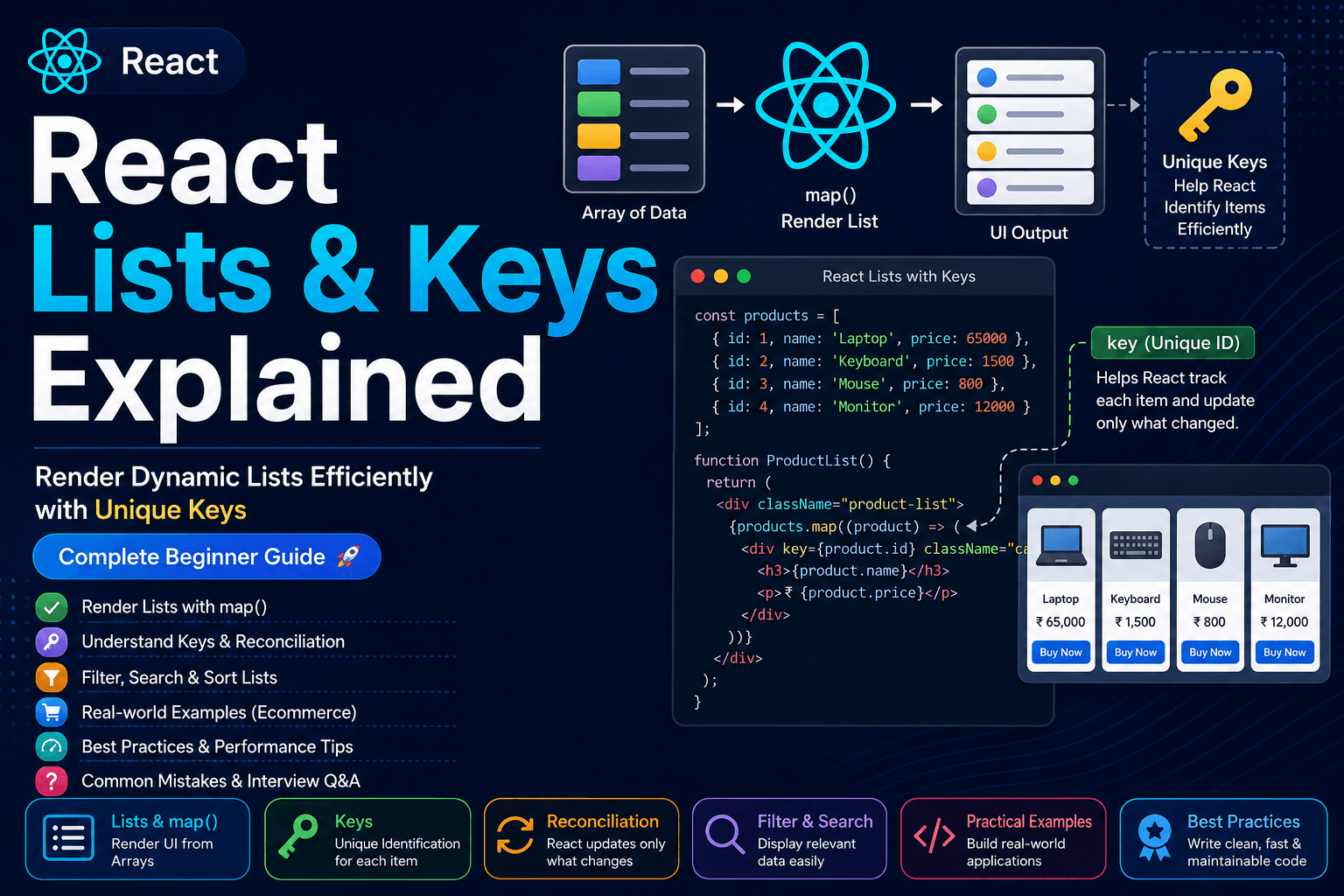
In the next tutorial, you'll learn how to render dynamic lists, use the map() function, understand why keys are important, and build efficient React applications.