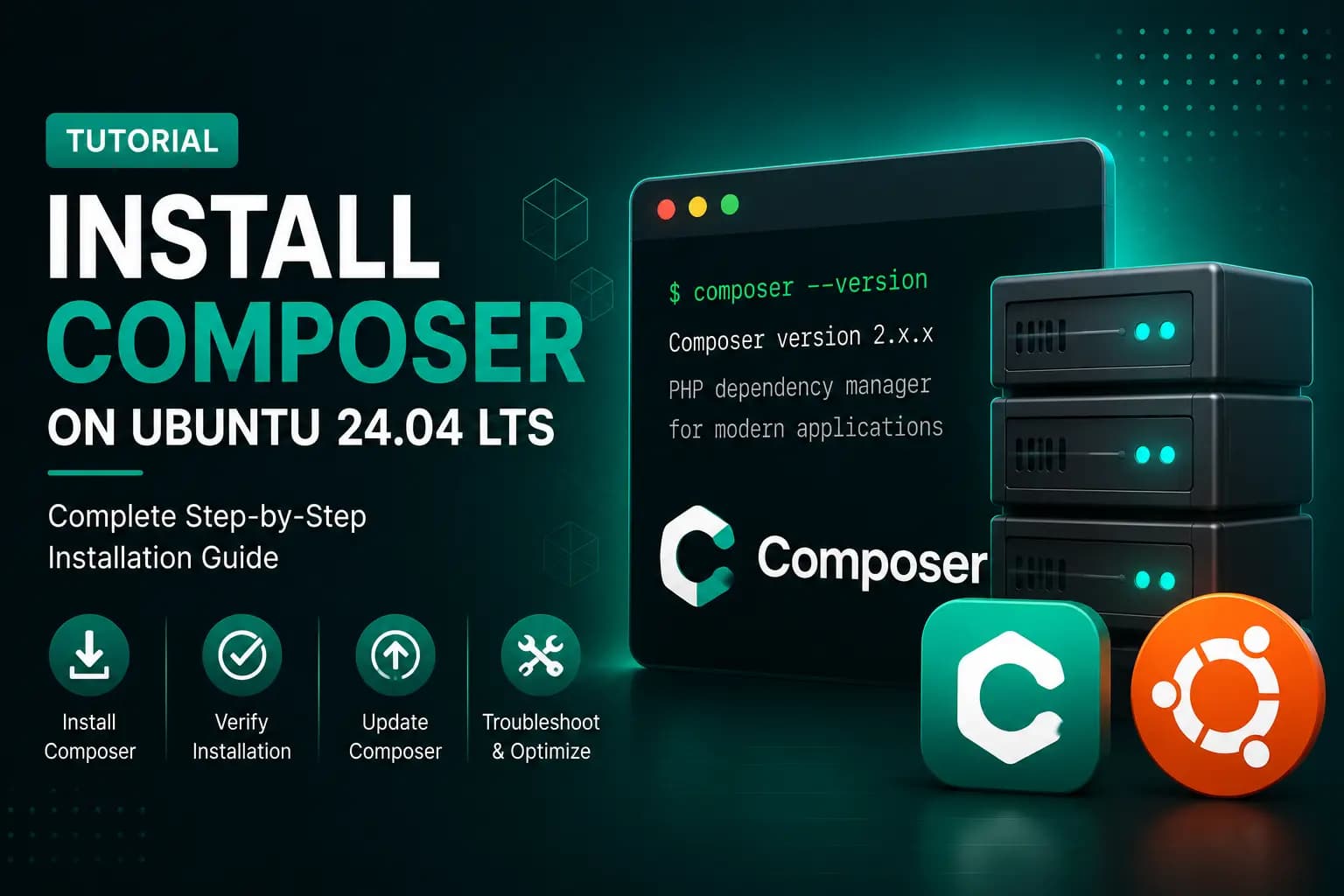
How to Install Composer on Ubuntu 24.04 LTS
Composer is the most popular dependency manager for PHP. Modern PHP applications such as Magento, Laravel, Symfony, and many other frameworks use Composer to install and manage packages.
In this guide, you'll learn how to install Composer on Ubuntu 24.04 LTS, verify the installation, update Composer, and troubleshoot common issues.
What is Composer?
Composer helps developers manage PHP dependencies efficiently.
Instead of manually downloading libraries, Composer automatically installs and updates the required packages for your project.
For Magento, Composer is used to:
- Install Magento
- Install extensions
- Update Magento
- Manage third-party libraries
- Install patches
Prerequisites
Before installing Composer, ensure you have:
- Ubuntu 24.04 LTS
- PHP installed
- Terminal access
- Internet connection
Verify PHP is installed:
bashphp -v
If PHP isn't installed yet, follow our PHP installation guide first.
Step 1 — Update Ubuntu
Always update your package list before installing software.
bashsudo apt update sudo apt upgrade -y
Step 2 — Install Required Packages
Install the packages Composer requires.
bashsudo apt install curl unzip php-cli php-mbstring git -y
These packages provide:
- curl → Download files
- unzip → Extract packages
- php-cli → Run Composer
- git → Download repositories
Step 3 — Download Composer Installer
Download the official Composer installer.
bashcurl -sS https://getcomposer.org/installer -o composer-setup.php
Step 4 — Verify the Installer (Recommended)
Composer publishes a SHA-384 installer signature.
Download the latest signature from the official Composer website and compare it with the downloaded installer before running it.
This helps ensure the installer has not been modified.
Step 5 — Install Composer
Run:
bashsudo php composer-setup.php \ --install-dir=/usr/local/bin \ --filename=composer
You should see:
textComposer successfully installed.
Step 6 — Verify Installation
Check the installed version.
bashcomposer --version
Example:
textComposer version 2.x.x
Step 7 — Check Composer Diagnostics
Run:
bashcomposer diagnose
Composer will verify:
- PHP version
- SSL configuration
- Disk space
- Git availability
- Required extensions
Resolve any reported issues before using Composer in production.
Step 8 — Update Composer
Update Composer to the latest version.
bashcomposer self-update
Verify again:
bashcomposer --version
Step 9 — Test Composer
Create a temporary directory.
bashmkdir composer-test cd composer-test
Initialize Composer.
bashcomposer init
If the wizard starts successfully, Composer is installed correctly.
Common Composer Commands
Update dependencies.
bashcomposer update
Install dependencies.
bashcomposer install
Show installed packages.
bashcomposer show
Clear Composer cache.
bashcomposer clear-cache
Troubleshooting
Composer Command Not Found
textcomposer: command not found
Verify the installation location.
bashwhich composer
If necessary, reinstall Composer.
PHP Version Too Old
Check:
bashphp -v
Install a supported PHP version before using Composer.
Memory Limit Error
Increase PHP memory.
bashphp -d memory_limit=-1 composer install
Or permanently increase the memory limit in php.ini.
Permission Denied
Ensure Composer is installed in:
text/usr/local/bin/composer
Verify permissions.
bashls -l /usr/local/bin/composer
Best Practices
- Always use the latest stable Composer release.
- Keep Composer updated regularly.
- Verify the installer before installation.
- Avoid running Composer as the root user inside application directories unless necessary.
- Commit
composer.jsonandcomposer.lockto version control.
Frequently Asked Questions
Is Composer free?
Yes.
Composer is open source and free to use.
Do I need Composer for Magento?
Yes.
Magento uses Composer for installation, updates, and dependency management.
How do I update Composer?
Run:
bashcomposer self-update
Where is Composer installed?
Typically:
text/usr/local/bin/composer
How do I check the Composer version?
bashcomposer --version
Conclusion
Congratulations! 🎉
You've successfully installed Composer on Ubuntu 24.04 LTS.
Composer is now ready to manage PHP dependencies for Magento and other PHP applications.
Continue the Magento Installation Series
Next tutorial:
➡️ How to Install MySQL 8 on Ubuntu 24.04 LTS
Upcoming guides:
- Install OpenSearch
- Install Redis
- Install Nginx
- Install Magento 2.4.8
- Configure Production Mode
- Configure Cron Jobs