
JSX Explained
If you've started learning React, you've probably noticed that React components look like HTML but are written inside JavaScript files.
This syntax is called JSX (JavaScript XML).
At first glance, JSX can seem unusual because it combines HTML-like elements with JavaScript. However, once you understand how it works, JSX becomes one of the most enjoyable and productive parts of React development.
In this guide, you'll learn what JSX is, why React uses it, how it works behind the scenes, and the best practices for writing clean and maintainable JSX.
By the end of this tutorial, you'll be comfortable writing JSX and understand how React converts it into JavaScript.
What is JSX?
JSX stands for JavaScript XML.
It is a syntax extension for JavaScript that allows developers to write HTML-like code inside JavaScript files.
Example:
jsxfunction App() { return ( <h1>Welcome to React!</h1> ); }
Although it looks like HTML, JSX is not HTML.
It is JavaScript syntax that gets transformed into React function calls during the build process.
Why Does React Use JSX?
Without JSX, creating user interfaces in React would require using JavaScript functions directly.
Example without JSX:
javascriptimport React from "react"; function App() { return React.createElement( "h1", null, "Welcome to React!" ); } export default App;
The same component written with JSX is much easier to read.
jsxfunction App() { return ( <h1>Welcome to React!</h1> ); } export default App;
JSX improves readability and allows developers to visualize the structure of the user interface more naturally.
Is JSX HTML?
No.
JSX looks similar to HTML, but there are important differences.
For example:
HTML:
html<h1 class="title"> Hello </h1>
JSX:
jsx<h1 className="title"> Hello </h1>
React uses className instead of class because class is a reserved keyword in JavaScript.
Other attributes also differ slightly from HTML.
How JSX Works
JSX is not understood directly by browsers.
During development and production builds, tools like Vite and Babel convert JSX into JavaScript.
Example JSX:
jsxconst element = <h1>Hello React</h1>;
Converted JavaScript:
javascriptconst element = React.createElement( "h1", null, "Hello React" );
This transformation happens automatically, so developers rarely need to think about it while writing React applications.
Writing Your First JSX
A simple React component:
jsxfunction Welcome() { return ( <h1>Welcome to Paridhi Solutions!</h1> ); } export default Welcome;
This component returns a single heading element.
React then renders it in the browser.
Returning Multiple Elements
JSX requires a component to return a single parent element.
❌ Incorrect:
jsxreturn ( <h1>Hello</h1> <p>Welcome</p> );
✅ Correct:
jsxreturn ( <div> <h1>Hello</h1> <p>Welcome</p> </div> );
Using React Fragments
Sometimes you don't want an unnecessary <div>.
React provides Fragments.
Example:
jsxreturn ( <> <h1>Hello</h1> <p>Welcome</p> </> );
Fragments group multiple elements without adding extra HTML to the page.
Embedding JavaScript Expressions
One of JSX's most powerful features is the ability to embed JavaScript expressions using curly braces.
Example:
jsxconst name = "John"; function App() { return ( <h1>Hello {name}</h1> ); }
Output:
textHello John
You can also perform calculations.
jsx<h1>{10 + 20}</h1>
Output:
text30
Any valid JavaScript expression can be placed inside curly braces.
JSX Attributes
Just like HTML, JSX allows you to add attributes to elements.
Example:
jsxfunction App() { return ( <img src="/logo.png" alt="React Logo" width="200" /> ); }
Most HTML attributes work the same way in JSX.
However, a few attributes have different names because JSX follows JavaScript conventions.
HTML Attributes vs JSX Attributes
| HTML | JSX |
|---|---|
| class | className |
| for | htmlFor |
| tabindex | tabIndex |
| onclick | onClick |
| onchange | onChange |
Example:
❌ HTML
html<label for="email"> Email </label>
✅ JSX
jsx<label htmlFor="email"> Email </label>
Using Variables in Attributes
Attributes can also use JavaScript expressions.
jsxconst image="/logo.png"; function App(){ return( <img src={image} alt="Logo"/> ); }
Anything inside {} is treated as JavaScript.
Inline Styles
JSX allows inline styling using JavaScript objects.
Example:
jsxfunction App() { return( <h1 style={{ color:"blue", fontSize:"32px" }} > Welcome </h1> ); }
Notice:
- CSS properties use camelCase.
- Values are written as JavaScript strings or numbers.
Examples:
textbackground-color ↓ backgroundColor
textfont-size ↓ fontSize
Adding Comments in JSX
JavaScript comments don't work directly inside JSX.
Instead use:
jsx{ /* This is a JSX comment */ }
Example:
jsxfunction App(){ return( <> {/* Heading */} <h1>React</h1> </> ); }
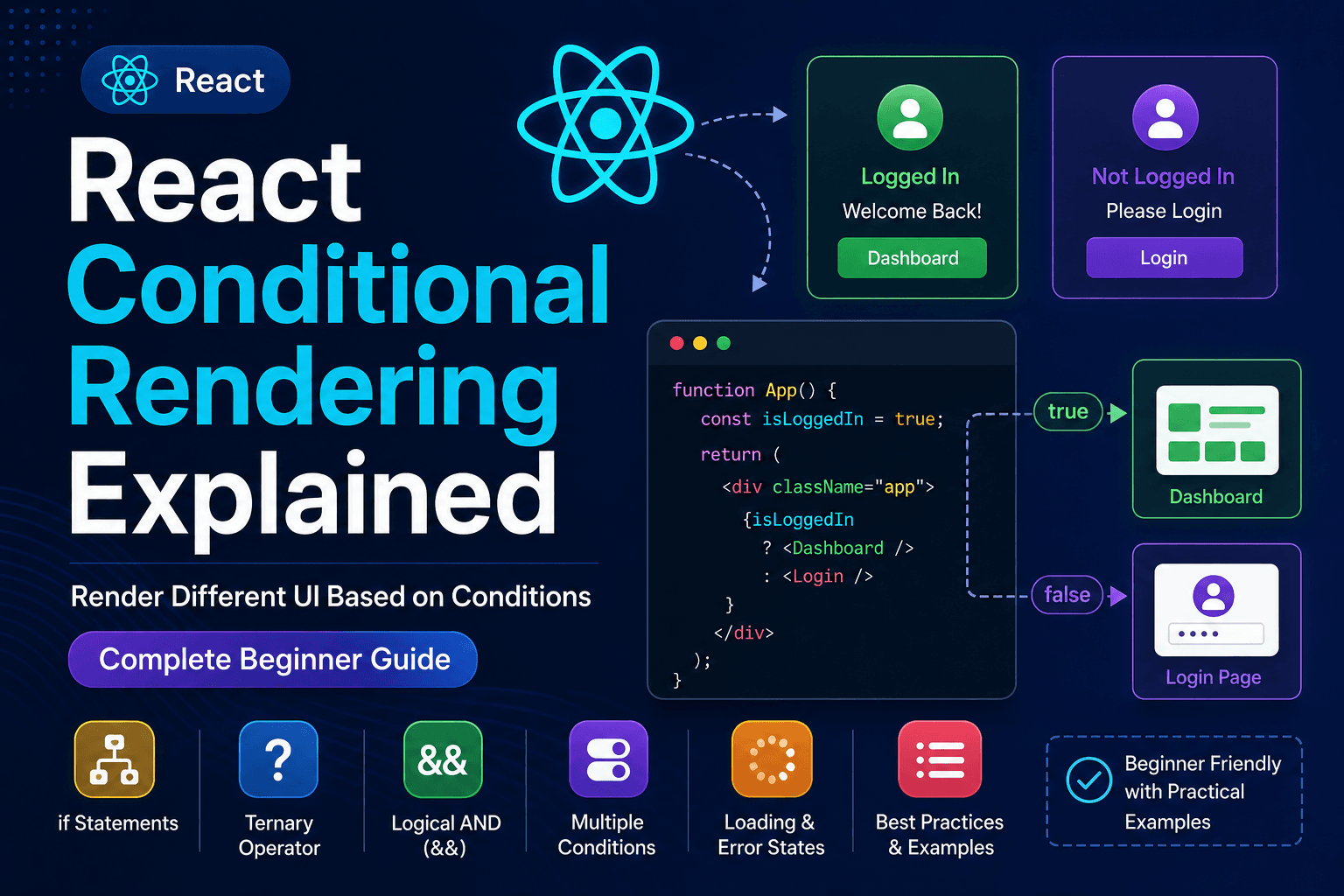
Conditional Rendering
React often displays different content depending on data.
Example:
jsxconst loggedIn=true; function App(){ return( <> {loggedIn ? <h2>Welcome Back</h2> : <h2>Please Login</h2> } </> ); }
Output:
textWelcome Back
Conditional rendering is one of the most frequently used JSX features.
Rendering Lists
React makes it easy to display lists.
Example:
jsxconst fruits=[ "Apple", "Orange", "Banana" ]; function App(){ return( <ul> {fruits.map((fruit)=>( <li key={fruit}> {fruit} </li> ))} </ul> ); }
Output:
text• Apple • Orange • Banana
Notice the key property.
React uses keys to efficiently update lists.
Event Handling
Events work similarly to HTML but use camelCase.
Example:
jsxfunction App(){ function showMessage(){ alert("Hello React!"); } return( <button onClick={showMessage}> Click Me </button> ); }
Common events include:
- onClick
- onChange
- onSubmit
- onKeyDown
- onMouseEnter
- onMouseLeave
Calling Functions
Functions can also be used inside JSX.
Example:
jsxfunction greeting(){ return "Welcome"; } function App(){ return( <h1> {greeting()} </h1> ); }
Output:
textWelcome
Nesting Components
React components can be placed inside other components.
Example:
jsxfunction Header(){ return( <h1>Header</h1> ); } function App(){ return( <> <Header/> </> ); }
This is the foundation of React's component-based architecture.
JSX Best Practices
Following good practices makes your components easier to read and maintain.
Keep Components Small
Each component should have a single responsibility.
Avoid Deep Nesting
Instead of creating many nested elements, divide the UI into smaller reusable components.
Use Meaningful Variable Names
Prefer:
textuserName productPrice customerEmail
Instead of:
textx abc data1
Use Fragments When Appropriate
If you don't need an extra HTML element, use a Fragment.
jsx<> </>
This keeps the DOM cleaner.
Keep JSX Readable
Format long JSX properly.
Good formatting makes components easier to maintain, especially in large projects.
Common Beginner Mistakes
Using class Instead of className
Incorrect:
jsx<h1 class="title">
Correct:
jsx<h1 className="title">
Returning Multiple Parent Elements
Every component must return a single parent element or a Fragment.
Forgetting Curly Braces
Incorrect:
jsx<h1>name</h1>
Correct:
jsx<h1>{name}</h1>
Missing Keys
When rendering lists, always provide a unique key property.
Incorrect:
jsx<li>{fruit}</li>
Correct:
jsx<li key={fruit}>{fruit}</li>
Keys help React identify which items have changed, been added, or removed.
JSX vs HTML
Although JSX looks very similar to HTML, there are several important differences.
| HTML | JSX |
|---|---|
Uses class | Uses className |
Uses for | Uses htmlFor |
| Inline styles are strings | Inline styles are JavaScript objects |
| Can return multiple elements | Must return a single parent element or Fragment |
| Static markup | Dynamic with JavaScript expressions |
Example HTML:
html<button class="btn"> Login </button>
Equivalent JSX:
jsx<button className="btn"> Login </button>
Learning these differences makes writing React components much easier.
JSX vs JavaScript
A common misconception is that JSX replaces JavaScript.
It doesn't.
JSX is simply a syntax extension that makes writing React components easier.
For example:
Without JSX:
javascriptconst heading = React.createElement( "h1", null, "Hello React" );
With JSX:
jsxconst heading = <h1>Hello React</h1>;
Both produce the same result.
JSX simply makes the code more readable.
Why Developers Love JSX
JSX has become one of React's most appreciated features because it combines JavaScript and UI development in a clean and intuitive way.
Benefits include:
- Easier to read
- Easier to write
- Supports JavaScript expressions
- Excellent editor support
- Better error messages
- Improves component readability
- Makes UI development faster
For most developers, JSX quickly becomes more natural than manually creating DOM elements.
Frequently Asked Questions
Is JSX mandatory in React?
No.
React can be written without JSX by using React.createElement().
However, almost all modern React projects use JSX because it is much easier to read and maintain.
Is JSX HTML?
No.
JSX looks like HTML but is actually JavaScript syntax.
Before running in the browser, JSX is converted into JavaScript.
Can I write JavaScript inside JSX?
Yes.
Use curly braces to embed JavaScript expressions.
Example:
jsxconst user = "Alex"; <h1>Welcome {user}</h1>
Why does JSX use className?
Because class is a reserved keyword in JavaScript.
React uses className to avoid conflicts.
Why do React lists need keys?
Keys help React identify which elements have changed.
This allows React to update lists efficiently and improves rendering performance.
Can JSX contain CSS?
Yes.
You can use:
- CSS files
- CSS Modules
- Tailwind CSS
- Styled Components
- Inline styles
Choose the styling approach that best fits your project.
Summary
Throughout this guide, you've learned the fundamentals of JSX.
You now understand:
- What JSX is
- Why React uses JSX
- How JSX is converted into JavaScript
- JSX attributes
- JavaScript expressions
- Fragments
- Conditional rendering
- Rendering lists
- Event handling
- JSX best practices
- Common beginner mistakes
JSX is one of the core concepts of React, and becoming comfortable with it will make building user interfaces much easier.
Conclusion
Congratulations! 🎉
You now have a solid understanding of JSX and how it fits into React development.
JSX allows developers to build modern user interfaces using a syntax that combines the familiarity of HTML with the flexibility of JavaScript.
As you continue learning React, you'll use JSX in almost every component you create.
Mastering it early provides a strong foundation for more advanced topics such as components, props, state, hooks, routing, and API integration.
Continue the React Learning Path
Continue with the next guide:
- ✅ What is React?
- ✅ Install React with Vite
- ✅ React Project Structure Explained
- ✅ JSX Explained
- ➜ React Components Explained
- Props
- State
- useState Hook
- Event Handling
- Conditional Rendering
- Lists & Keys
- Forms
- useEffect Hook
- React Router
- API Integration
Each article builds on the previous one, helping you become a confident React developer step by step.
Need Professional React Development?
Looking for experienced React developers?
Paridhi Solutions specializes in building fast, scalable, and modern web applications using React and Next.js.
Our services include:
- React.js Development
- Next.js Development
- Custom Web Applications
- Admin Dashboard Development
- REST API & GraphQL Integration
- UI/UX Implementation
- Performance Optimization
- Application Maintenance & Support
🌐 Website: https://paridhisolutions.com
📧 Email: info@paridhisolutions.com
If you found this guide helpful, consider bookmarking it and sharing it with other developers.